

AR+ demo App






AR+ features
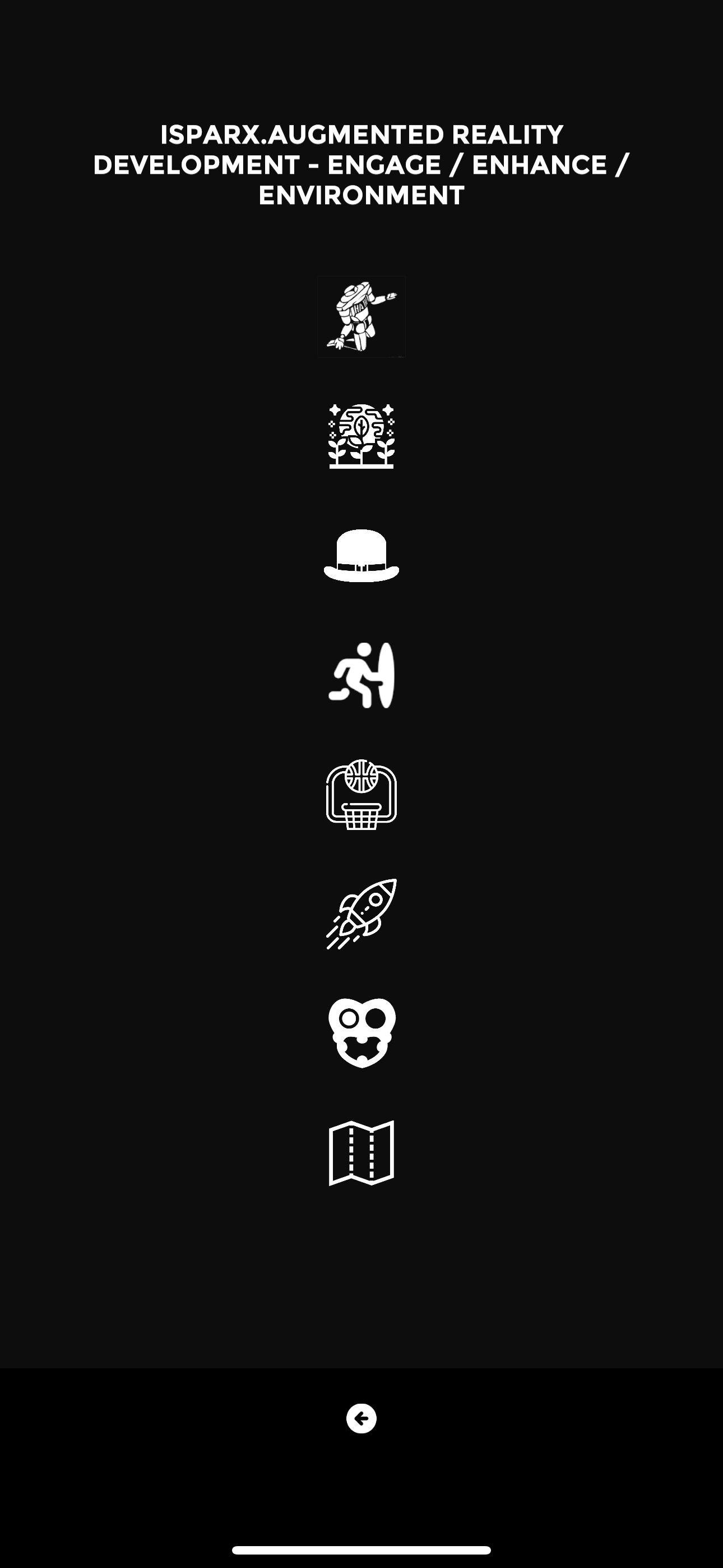
ROBOTS - an AR+ placement example of animated robots by street artist HA-HA
ALIEN PLANTS - animated alien plants propagate the environment
RUATOKI - 360° portal to a scene from the Ruatoki AR+story™ App by artist & activist Tame Iti
LAMA’s - 360° portal to the 2018 Latin American Music Awards, Las Vegas
BASKETBALL - an interactive AR+ game shooting hoops
ROCKETSHIP - launch the AR+ rocket by blowing on your device
AURAKI - an animated 3D AR+ placement by the artist HORI
MAP VIEWER - FIND AR+ ANCHORS
AR+ Cloud Anchors

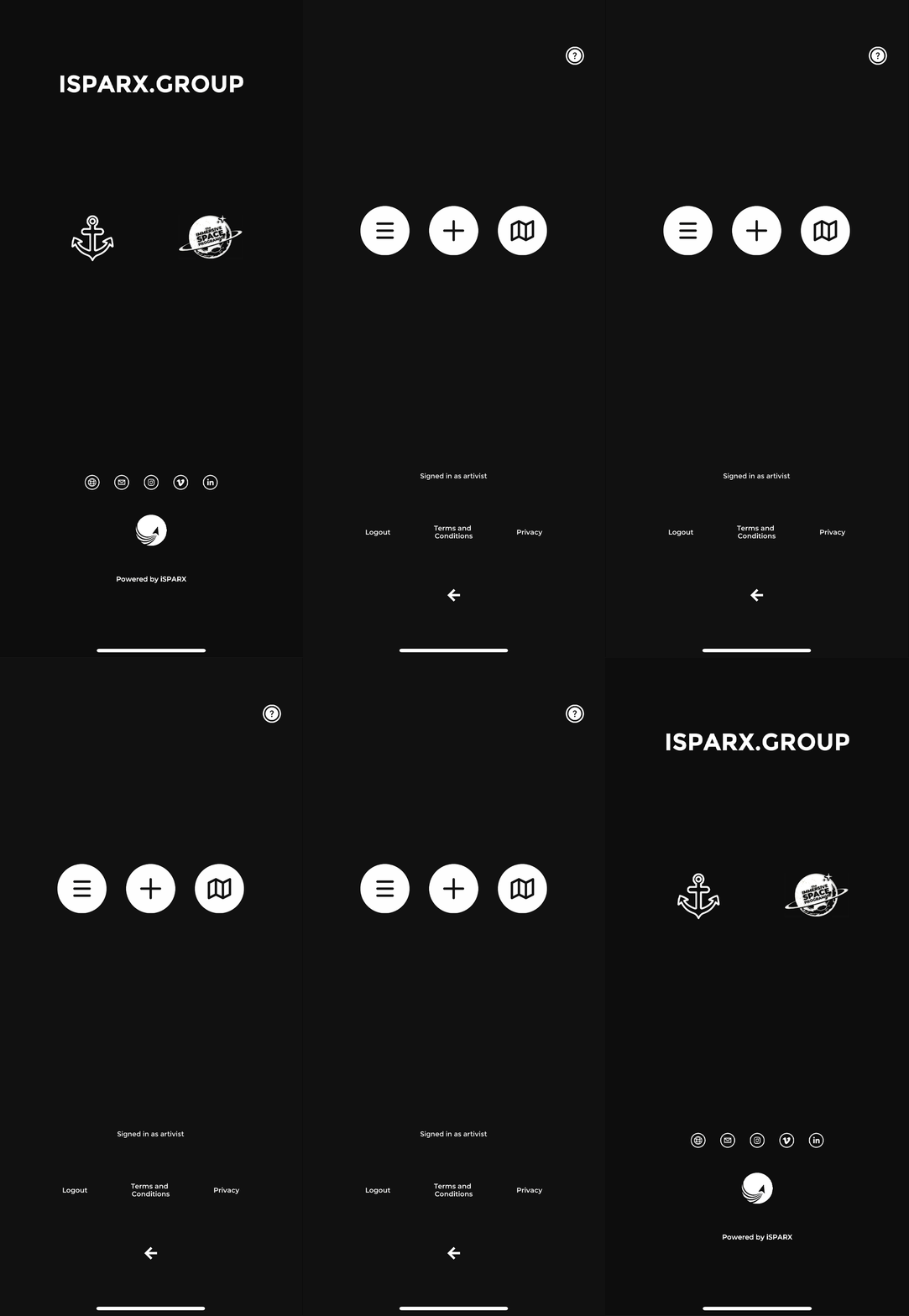
MINE
YOUR AR+ ANCHORS
*click here to view your saved anchor locks - a list will appear that allows you to edit or delete your saved AR+ anchors.
You can chose to make your AR+ anchor lock public so others can find your content!

ADD
ADD AR+ ANCHORS
*add AR+ anchor locks - create a point cloud at your location & add 3D content.
You can fix an AR+ anchor to any flat surface, floor or wall. You’ll see an anchor appear when you click the screen & be prompted to make the circle that surrounds it turn green. Then you upload & save your point cloud.
When your point cloud is uploaded you can add 3D content including an option to upload.

FIND
FIND AR+ ANCHORS
*find public AR+ anchor locks on a map of your region. Pinch & move the map with your fingers to discover AR+ anchor locks & content.
HAVE FUN… ADD & SHARE 3D CONTENT!
CMS
iSPARX™ AR+ Cloud CMS
The iSPARX™ AR+ Cloud CMS is a centralised self-publishing content management system. When you dynamically create instant AR+ activations using the iSPARX™ AR+ Client Dashboard, they are maintained in the global iSPARX™ AR+ Cloud. Immersive AR+ activations can utilise any type of content including MP4, JPEG, PNG, USDZ, and GLTF/GLB files. Companies can create AR+ Stories in iSPARX™ AR+ Cloud to drive your consumers to perform different AR+ activations, & then reward them when they complete the journey. Real-time Analytics are stored and delivered through the iSPARX™ AR+ Cloud Dashboard. iSPARX™ AR+ Cloud is powered by AWS & Catalyst cloud technology & scales across the world no matter the size of your consumer base. (iSPARX™ AR+ is a Certified AWS Partner)
*download the AR+ demo App